Appearance
v1.68
December 2022
Workflows in NaviGate
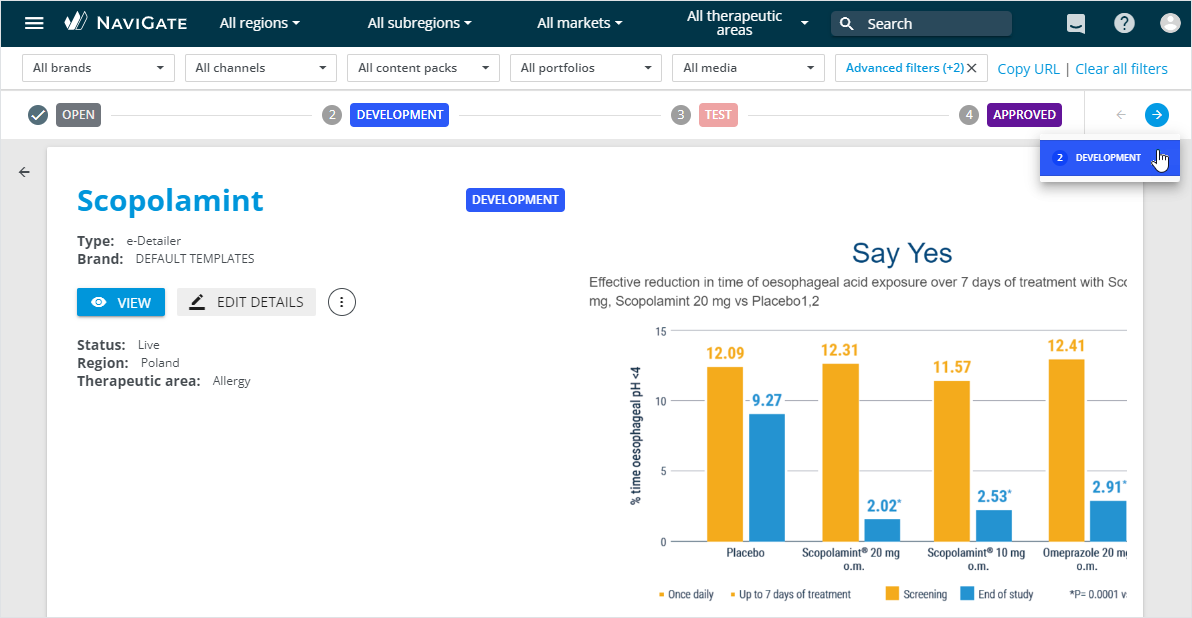
Now, you can manage NaviGate channels and media within automated workflows. Each workflow is created as a sequence of actions and statuses customized for specific item types and user groups.
On the channel/media Details page, you can view its current status and workflow transitions available.
External localization with XLIFF
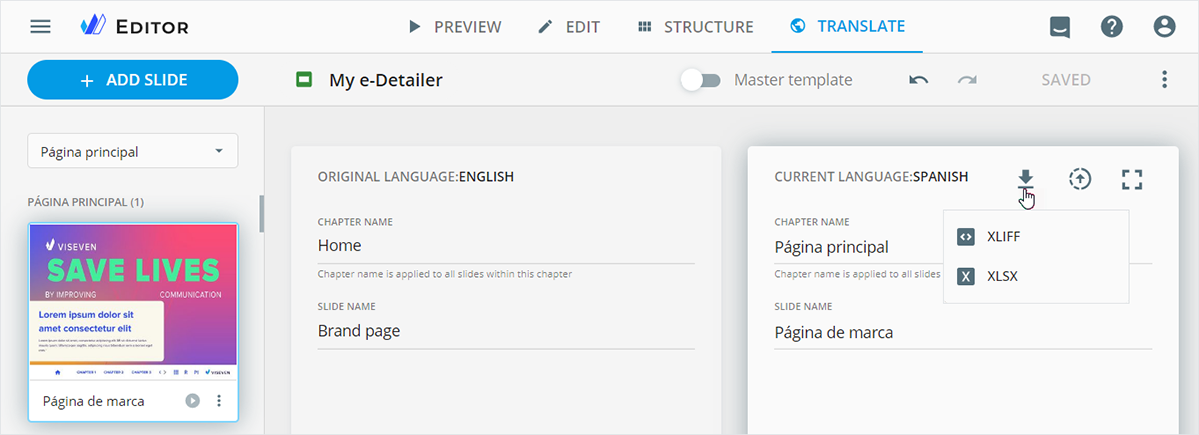
In the TRANSLATE mode, you can send e-Detailer texts for localization in an XLIFF file. Once the translated version is ready, upload it back to your e-Detailer.
Font policy
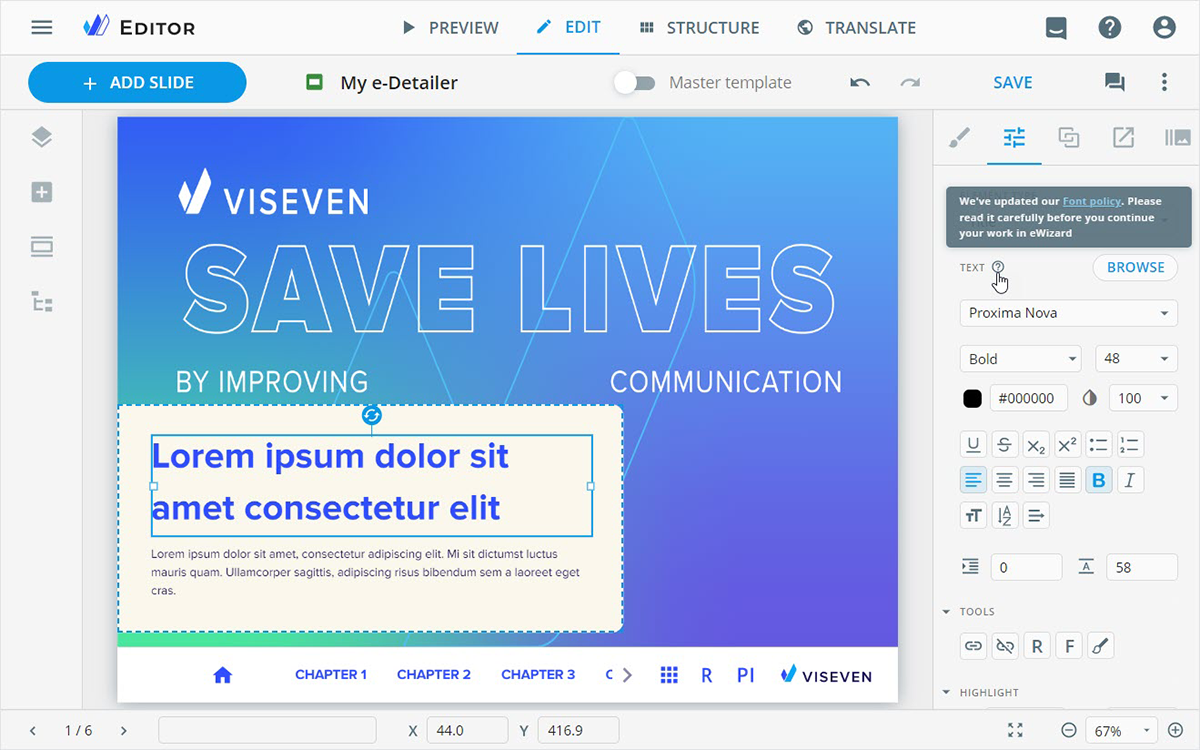
You can learn more about the updated Font policy used in eWizard. For this, follow the link in the text properties or go to eWizard legal papers.
Modular approach
You can now add the button component to the module layout. When reusing this module in other items, the button preserves its properties or appears as the text with a link on the item layout.
Double-click the references component on the item layout to open the References popup.
Improvements
Editor
You can translate your e-Detailer footnotes and send them for localization.
In the event component properties:
Configured the automatic adjustment of time zones for daylight saving time.
Added the list of cities located in different time zones.
Publisher
To NaviGate: On the
Detailsstep, you can add links to external resources in the URL input field.To Veeva Vault as a distribution package:
Replaced Veeva Vault (OCE Package) with Veeva Vault (Distribution Package).
You can publish different ZIP archives including the Marketo-compatible format as distribution packages to Veeva Vault.
Planner
On the Details page, you can:
View the campaign metadata and edit its details.
Comment on your campaigns, items, or tasks and attach files to them.
In the Operations & delivery widget, you can:
Create tasks and assign the required service type to them.
Move your tasks to change their statuses.
NaviGate
Administrator panel
From this version on, the administrator can do the following:
Manage the newly added
WORKFLOWSsection:Add workflows for certain item types and user groups.
Create workflow statuses and customize their styles.
Set the button component as the text with a link for modules.
Configure saving the module metadata specified on the
Detailsstep to the Content Module object and/or Approval Document after publishing the module to Veeva Vault.Set the URL input field for item publications to NaviGate. Applicable to channels and media files.
Configure the list of ZIP archives available for publishing to Veeva Vault as distribution packages.