Appearance
v1.55
December 2021
Background styles
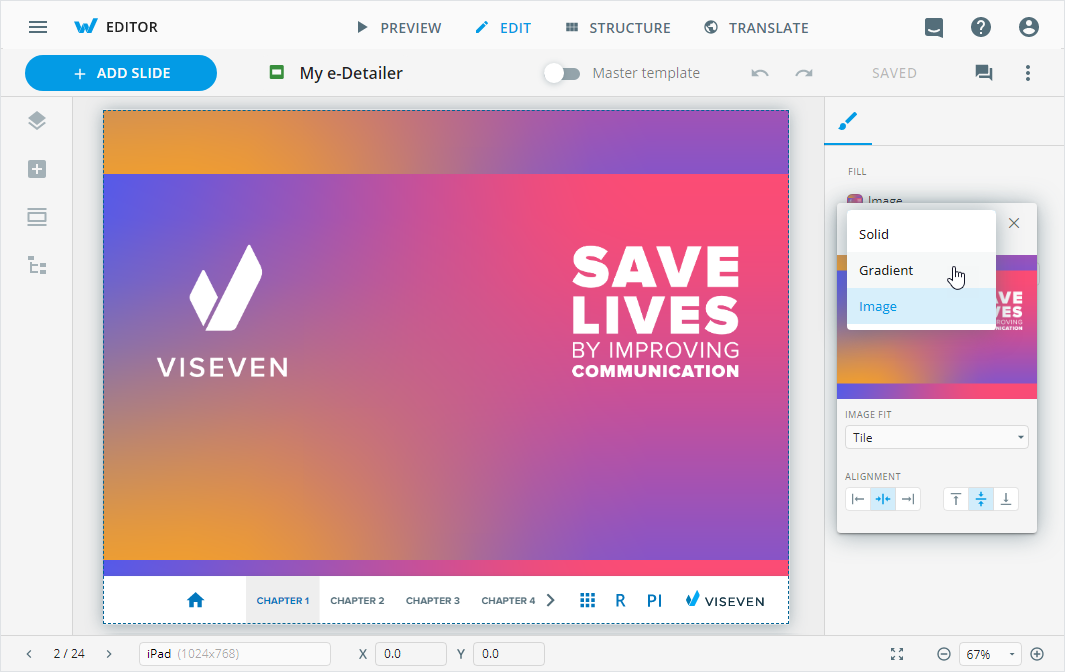
Use the improved color picker to customize the background of slides and components. Select and configure the required background styling: Solid, Gradient, or Image.
Purpose-based emails
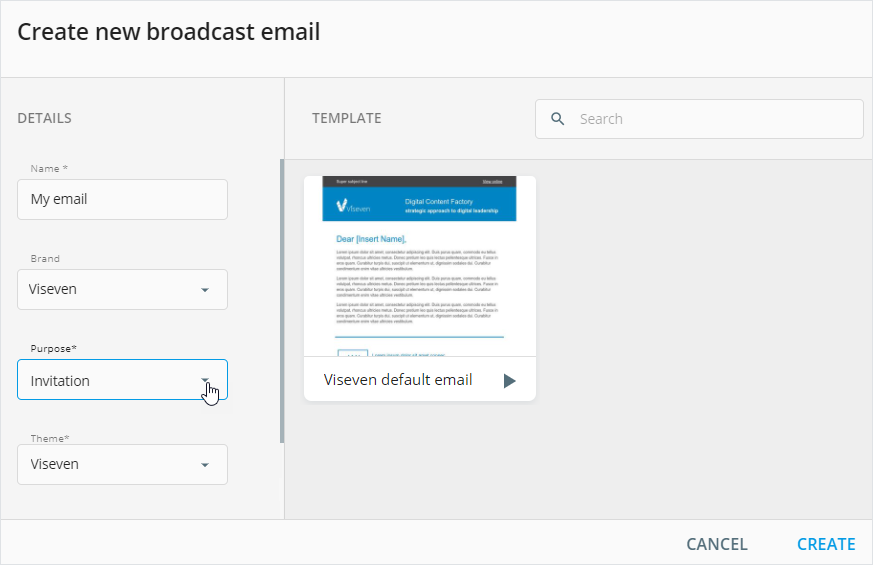
Now, you can create an email of a definite subtype: invitation, confirmation, follow-up, or reminder. The selection of the required purpose predefines the set of blocks in your email.
Improvements
Editor
- Find the email blocks organized in the
HEADER,BODY, andFOOTERgroups. Also, you can filter the blocks by the required criteria.
Publisher
To Veeva Vault (Interactive): Specify metadata for each slide of the e-Detailer on the
Slidesstep.To Veeva Vault (PDF): Highlight modules and their statuses in your emails and landing pages in the resulting PDF document.
Remote call 2.0
- Switch between the slides of different e-Detailers demonstrated within one remote call.
Administrator panel
From this version on, the administrator can do the following:
Adjust the dependency between the email and tracking modules metadata when publishing emails to Veeva Vault as PDF.
Add permissions to use available color picker styles for different item types.
Configure matching of the asset channel type in Veeva Vault and the item type in eWizard.
Update the
Target deviceslist with the aspect ratio and viewport values required for the development of e-Detailers and their briefs.Grant permissions to separate modes in Editor when the access to the
EDITmode is restricted.