Appearance
eWizard.js framework v4.15.0
New features
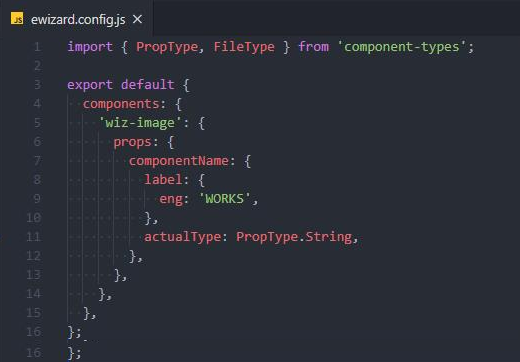
ewizard.config.js: customizable defaults in master templates
You can add ewizard.config.js to the item root directory. It allows for redefining component properties and setting new subtype defaults. So that the component's default properties are redefined and fit the Master Template. As a result, the new properties are applied to the component in eWizard Editor.
e-Detailers export for CT Presenter
This version introduces the builder service for e-Detailers export for the CT Presenter CLM application. The resulting build is available for KPI collection and other features.
Email improvements
Email interoperability
Now you can develop a single Master Template for several systems. Once a user selects a target system to create a new item, this target system is recorded to settings.json.
Along with that, you can now set individual block icons for different target systems or, if required, for countries and languages. For the icons, a new naming convention is established.
With it, you can set the icon priority per target system. So that when you change the email details, eWizard searches for the required icon in the following order:
icon - {clm} - {country} -
icon - {clm} -
icon -
icon -
icon (default)
For example
You've changed your email's target system to Veeva, country to Canada, and language to French. The framework searches for the icon to use in the changed email, depending on the required image availability in the following order:
If available, the icon-veeva-canada-fra.png icon is used. Otherwise, the icon-veeva-canada-fra.png image. If this icon is not found, then icon-veeva-fra.png is placed, then icon-veeva.png, then con-fra.png. Finally, if no other icon is available, the email goes with the icon.png that is set as default.
In addition, brief email templates, that you see in the Create new pop-up, are now pre-set in NaviGate as email master templates.
Permission-based editing
Brief Editor permissions allow applying restrictions to email editing. So that emails developed based on these briefs feature the editing option restriction according to those set for the source brief. The feature is applied when you use emails developed as master template as email brief master templates.
External assets storage
The new Store assets externally feature allows for hosting email assets, if the required target system lacks this functionality.
Check this box when exporting your email for IQVIA OCE Sales to remove the public directory and manifest from the resulting build, and store all assets you've used in the email on Amazon S3.
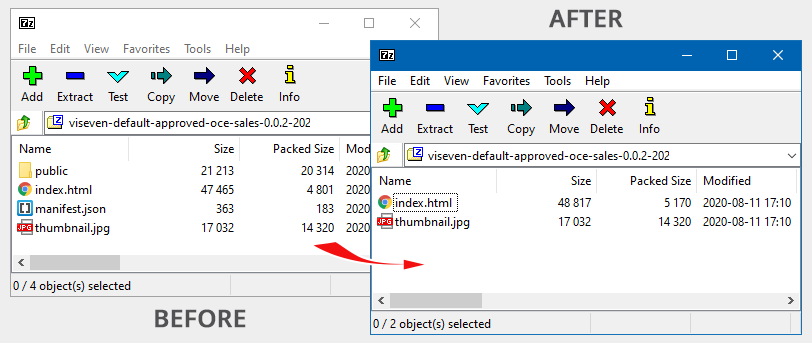
OCE email builds now include the thumbnail preview. This preview.jpg is generated during email editing. Upon export the preview image is put to the resulting archive.
Mobile device view for the as-image feature
The as-image feature allows for blocks replacement with their screenshots in the resulting build, if it's impossible to code the block. To ensure the proper block display on both mobile and desktop devices, develop separate blocks for each view and use the proper one with the required resolution.
Now, with as-image improved, you can capture screenshots of some blocks for desktop, and some – for mobile devices. For this, define the screen resolution for a particular block.
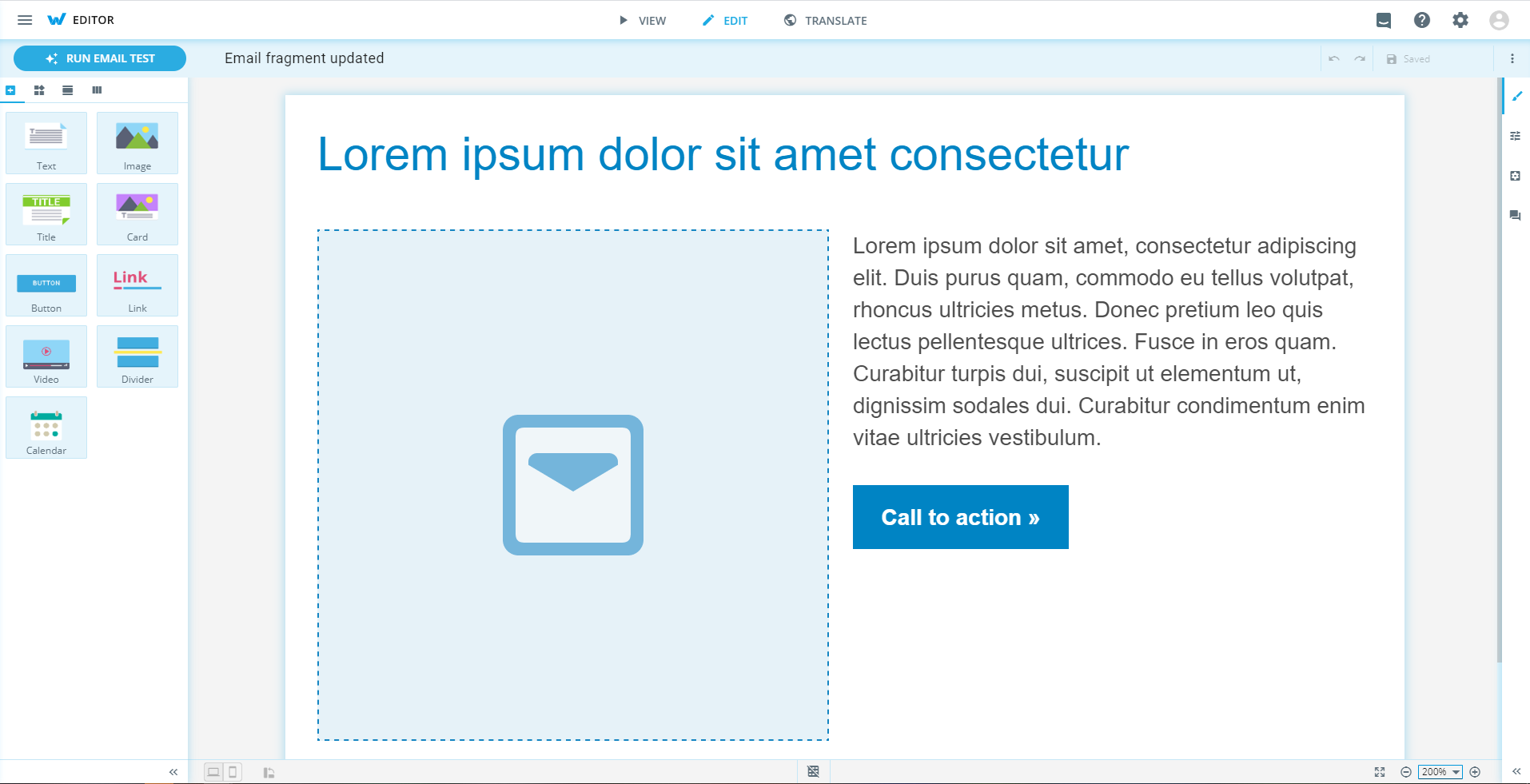
Email fragment updated
The email fragment type is updated within wiz-init.
Builder improvements
e-Detailer's
settings.jsongets a slide ID from HUB. So that your e-Detailer features an individual ID.Development builds support uppercase in media files.
wiz archiveis enhanced with the functionality to build template slides. To make them available for use, upload the archive and mark it as a template and find the template slides in the e-Detailer structure. To avoid e-Detailer re-building during editing, set the--no-templateflagwiz dev --watch.Dev-builder handles empty image paths to enable work with a component without the source.
Veeva CRM build is compatible with the latest iOS version.