Appearance
eWizard.js framework v4.11.1
Explore the highlights and new features of the most recent version - making your work with eWizard even more productive and comfortable!
e-Detailer export improvements
Fonts copying is optimized
For e-Detailers, where one font-face comprises several font files of different extensions, in the process of creating an export build, only one font file is copied. When an e-Detailer contains a WOFF font, it is copied by default, and the others are ignored.
As a result, the overall build size is reduced.
The builds list covers the following:
IQVIA Single Page Application format
IQVIA Multi Page Application format
Viseven Single Page Application format
OCE Single Page Application format
OCE Multi Page Application format
Rainmaker Single Page Application format
SPA builders minimization
Now .css files in all SPA builds are minimized. Also, CSS styles are placed into an individual bundle. This results in presentation loading faster.
Component versions conflict is fixed for all builds
Now, when you use different versions of constituents in a compound component, there is no need to define the component version in the general package, since all versions are installed. Although it increases the bundle size, error likelihood is cut considerably.
Email improvements
ID names aren't minimized
Not all that can be minimized should be minimized, right? This is why ID names are now excluded from the list of minimized elements. While redundant spaces and symbols are removed, id names are left without changes. Also, you can use ID names as link anchors. Eventually, email builds for all CLM applications are secured from breakage.
Adaptive emails
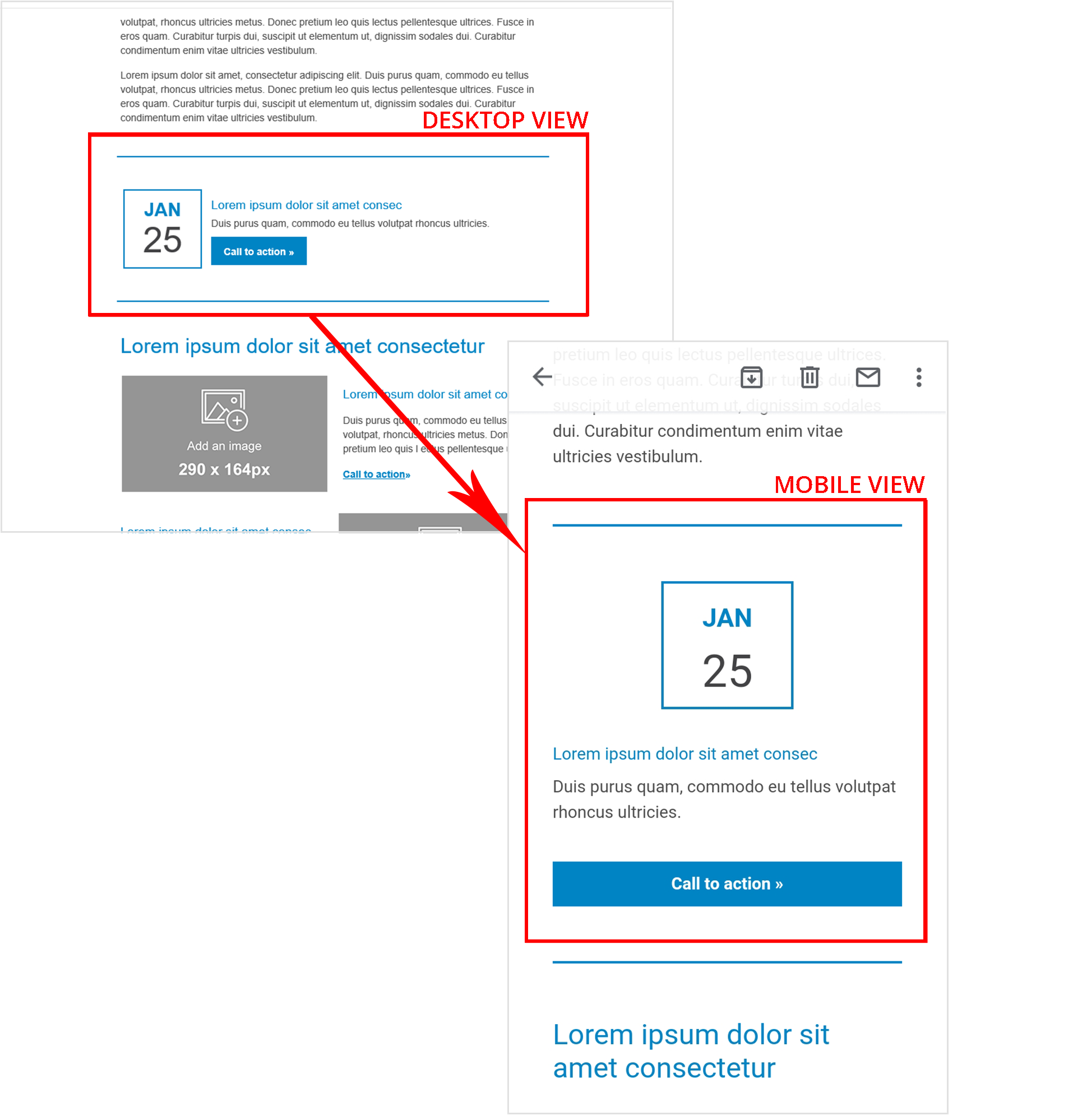
Email wiz-placeholder v2.0 component's columns are displayed vertically on portable devices.
This means emails are more responsive now!
eWizard CLI
Possibility to generate slide thumbnails
This version brings a thumbnail for each e-Detailer slide. To generate a thumbnail for a slide, run the following command:
json
wiz thumbs --slides|-s "slideId1 slideId2"Without an argument, this command generates thumbnails for all the slides in the e-Detailer.
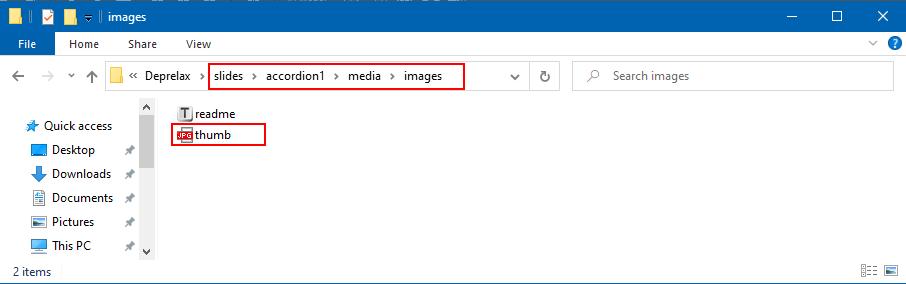
The thumbnail (400x300 px) appears in the slide's directory.