Appearance
Work on items collaboratively
In today's fast-paced digital world, effective teamwork is essential for creating high-quality content. Collaborative editing is a powerful approach that allows several eWizard users to work together seamlessly on the same projects. It helps you streamline content editing by coordinating and distributing content management tasks among several colleagues.
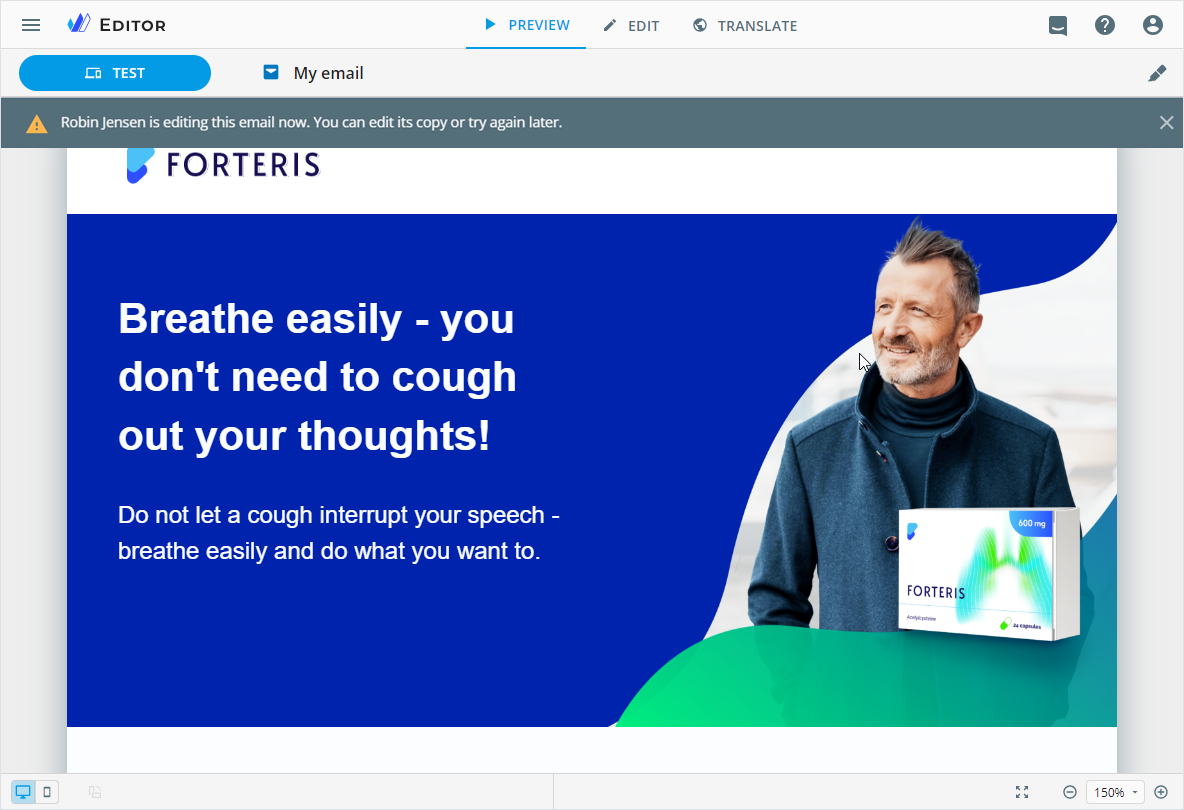
To get started, share your content item with the required collaborators. Then specify the required roles.
Simultaneous editing is available only for e-Detailers and their briefs.
To save data correctly and prevent overwriting your teammates' changes:
 Modify different slides.
 Don't alter the content item structure.
Don't edit content in the Master template mode.
Don't modify references and footnotes.
Don't auto translate the shared item content or upload the localization XLIFF/XLSX file.
Don't edit the localized content on the TRANSLATE tab with the Master template toggle on.
Please adhere to these guidelines to ensure a smooth and efficient collaborative editing experience for everyone involved.
In the more options menu of the content item under collaborative editing, the Upload new version and Delete options are locked.