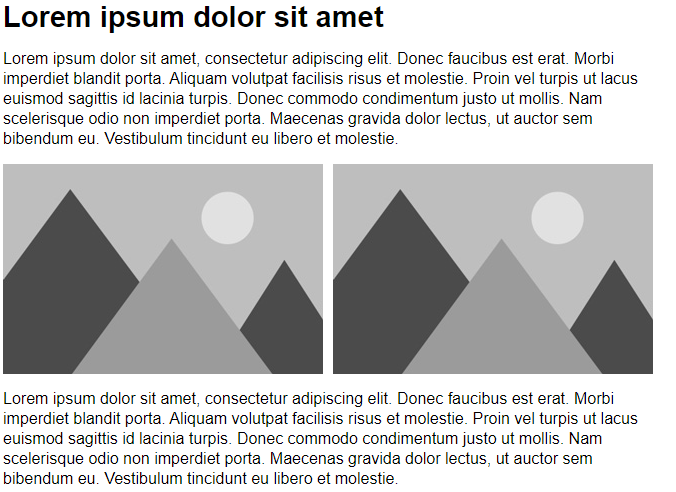
Appearance
Developing emails with eWizard.js
Our main mission is to create flexible and universal emails from scratch. Content created with eWizard.js is 100% editable and reusable.
With eWizard.js, you benefit as follows:
Branding: eWizard makes it easy to keep to company styles.
Configurable tokens: Tokens for all major mail systems are very easy to install and to use. They help make your letters more personal to customers.
Using pre-created elements: Pre-designed modules and components will speed up the email creation. And our developers already made a lot of them.
Ability to use Veeva Assets: And all their benefits.
Using pre-approved modules: You can reduce the time of approval of all templates details.
Created emails are compatible with most email clients: We try to keep up with technology, but we care about all our customers.
Advanced analytics for emails: You can link analytics tools not only to the whole letter, but also to individual elements of it. This allows you to get more accurate data and understand what things they interested in.
Extensive editing features: Customize emails as you want.
Preconditions
Before starting the development, make sure that you have installed the latest version of eWizard CLI. The detailed information about eWizard CLI installation you can find.
You will shortly notice that email development is as easy as working with presentations. All eWizard products feature the same approach to development. So that to know one means to be familiar with others.
Steps to start with
Create the directory to store your email's content. Usually, you start projects with the
wiz init -v 2.1.0command in the terminal.
Login to our default instance.
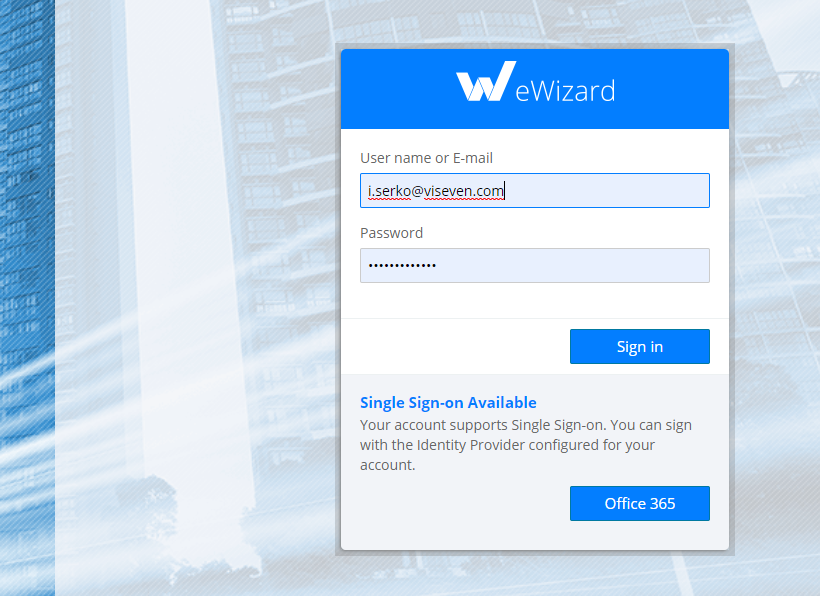
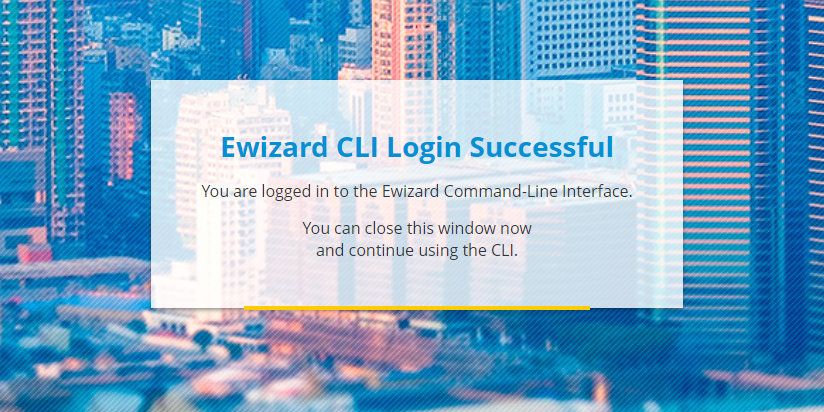
Upon the successful login, come back to the command-line interface.
Select the required option. To develop an email, select "email".
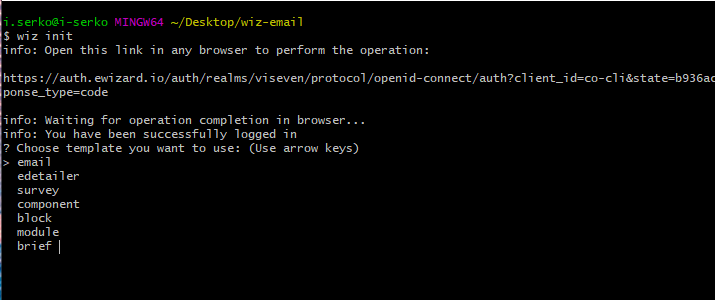
Provide the answers to the rest of the questions: linting, description, name, id, and author name. The basic email template is initialized.
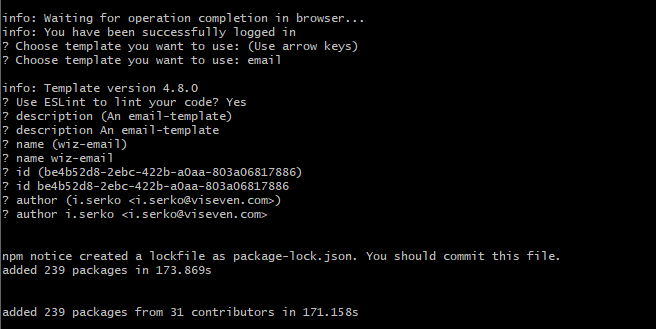
Now let's run
wiz dev --livecommand and see what we got.
Now we can open http://localhost:3000/ in the browser and see our email template.
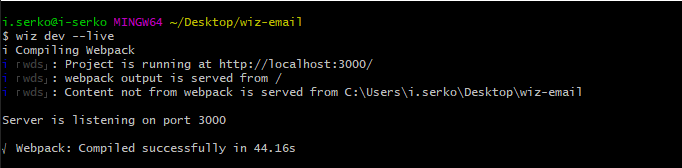
After opening localhost we will get the basic email template with a title, couple of images and a few paragraphs of text. It's a good starting point!