Appearance
e-Detailer troubleshooting
e-Detailer doesn't scale
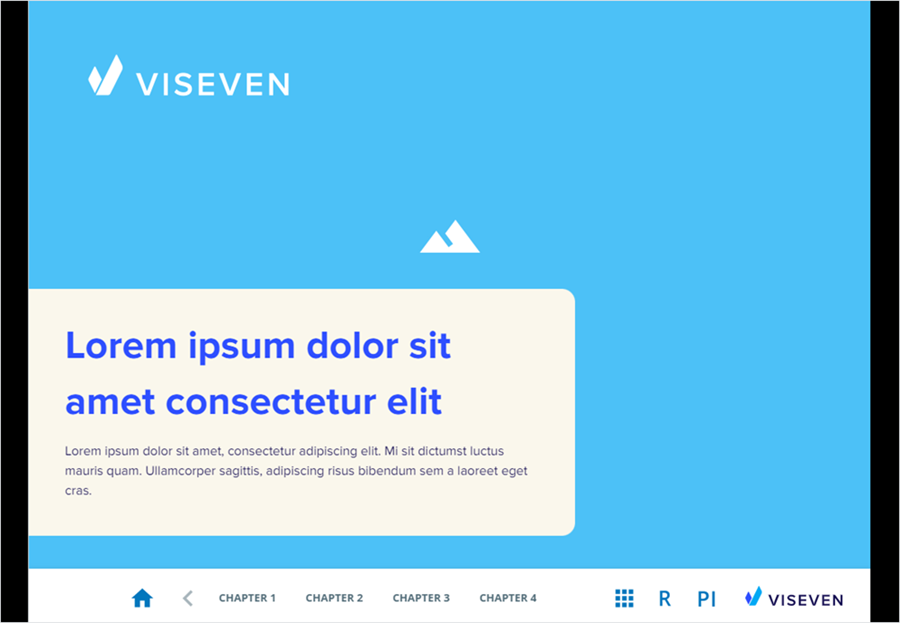
The e-Detailer doesn't scale properly on a mobile device. For example:
Solution
Make sure that the mobile device is included in the targetDevices array, and the adaptationScale is set to true in the settings.json of the e-Detailer.
For more information, see Target devices.
Different fonts in the presentation and the converted e-Detailer
After converting a PPTX file into an e-Detailer, you might encounter an issue where the font in the presentation differs from the e-Detailer.
Solution
The most likely reason for this behaviour is that the custom font used in the presentation isn't available in the e-Detailer.
To ensure the presentation is converted with the same font, follow these guidelines when creating a presentation:
Embed the fonts in PowerPoint or other presentation software.
Make sure the font you're using is installed on your computer.
Use the latest version of PowerPoint or other presentation software.
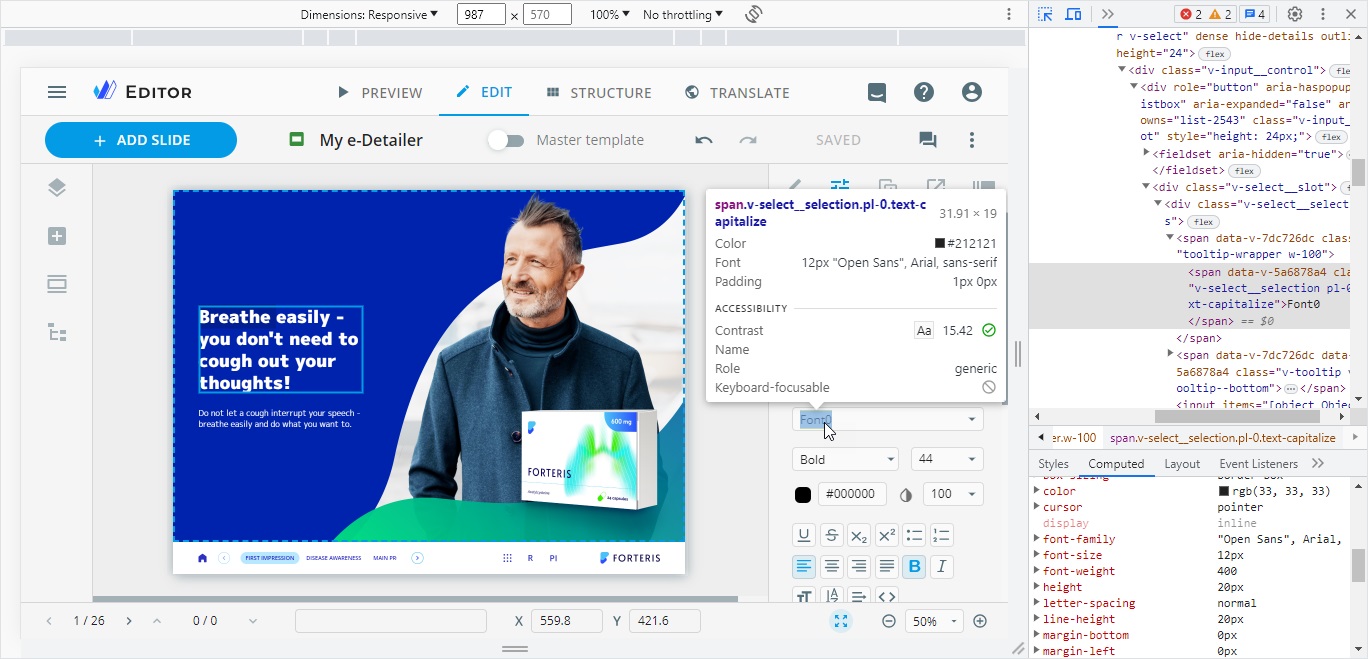
If the presentation meets the requirements, the embedded fonts are shown in eWizard Editor as Font0, Font1, Font2, etc.
You can check the font name in the Computed tab of the browser console when inspecting the font element.
Requirements for slide reuse
The eWizard.js framework provides the option to reuse slides between e-Detailers without impacting the master template. For correct operation, the source and target e-Detailers must have the same brand metadata.
Make sure the master template contains the following from the source slide:
- Fonts
- Components: The major version number of the component must be identical in the master template and the source slide. For example, versions
1.1.0and1.2.0are considered mismatched, while1.1.0and1.1.4are considered matched. - All required styles from the source slide must be defined in the master template's
components.js. Any other styles will be discarded and won't apply to the reused slide.
Discrepancies in component positioning
You may encounter the following issues:
- Components from the source slide overlap with elements originally present on your master template's layout.
- The Open slide action is missing.
Solution
Adjust component position or add the action manually.
Removed eWizard tokens
This can happen if the target e-Detailer uses an outdated eWizard.js framework version without support for the reuse slide functionality.
Solution
Contact your DCF for an e-Detailer version update.
Text with references wrapped
If a text component contains references in the source slide, it may appear wrapped in the master template.
Solution
Increase the text component width.