Appearance
General configuration
In the target system list, click Veeva Vault as PDF for approval to open its settings page.
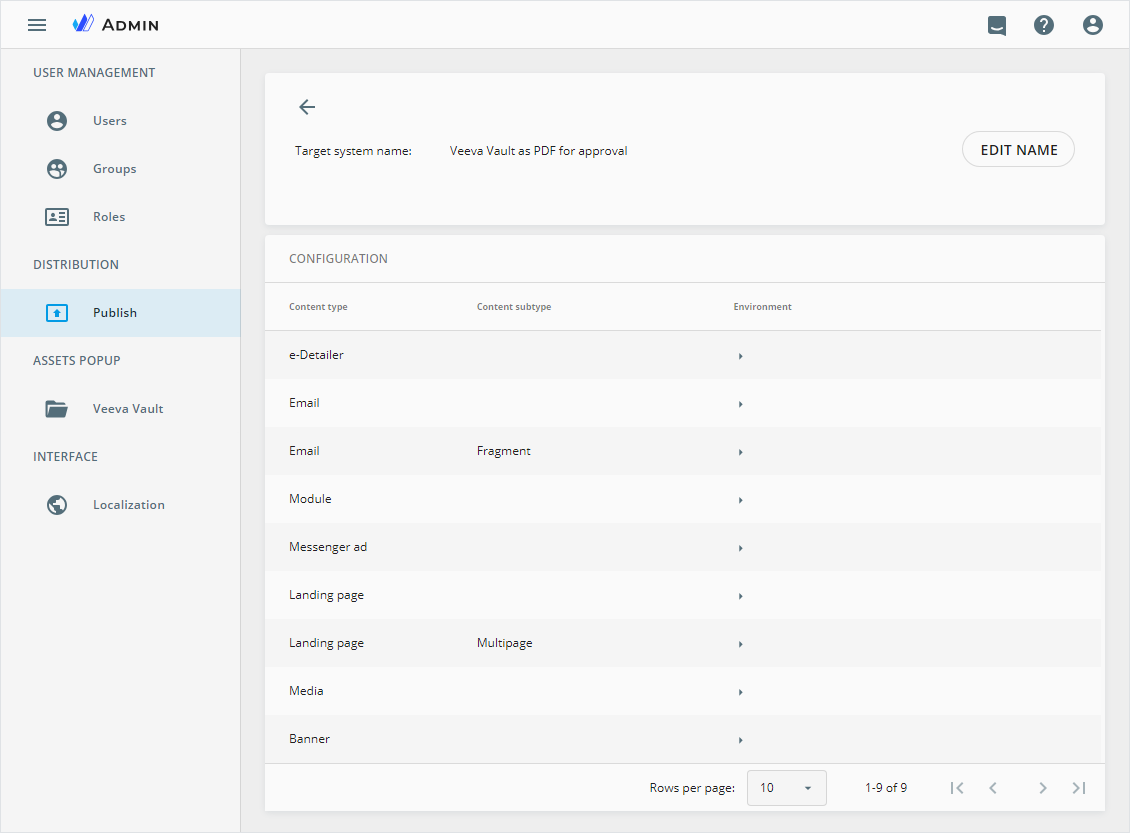
Here, you can see a list of all content item types for which this publication type is available. You can configure the publication environments for each content item type separately.
All the links to the environment settings are collapsed by default. Unfold the list with the  button for the required content item type and click the required environment name. For example,
 Viseven Sandbox as an illustration.
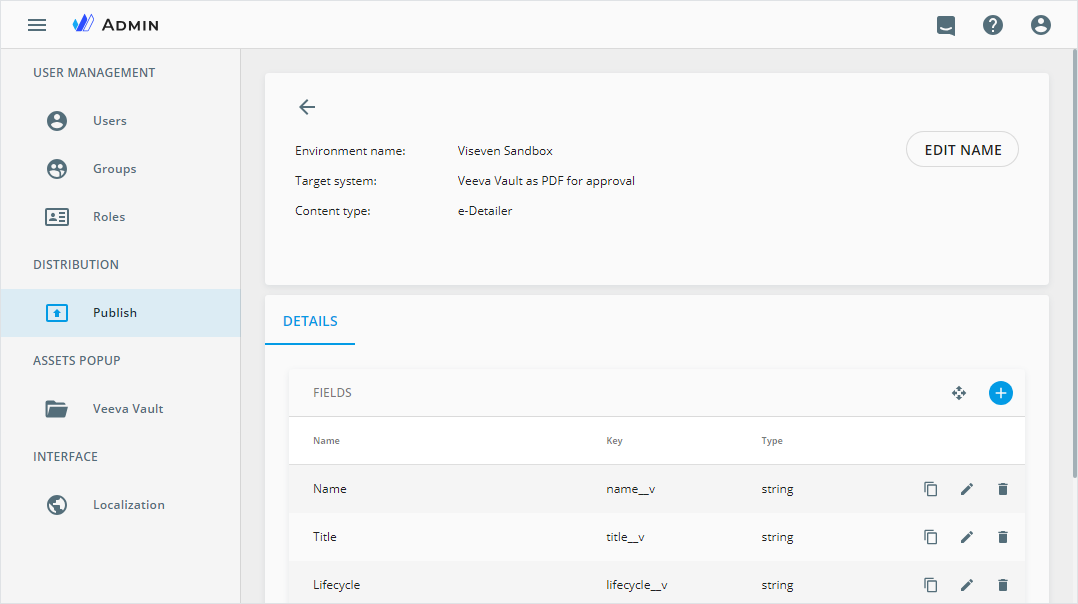
In the FIELDS table, you can see the configuration of fields to be displayed in during publication of the given type and action buttons. The data is listed in three columns.
| Column | Description |
|---|---|
| Name | Field name to display on the Details page for this publication type |
| Key | Unique identifier assigned to a field within the Publisher service |
| Type | Metadata field type that determines how the data is entered, displayed, and managed |
Each table row has a set of action buttons on the right:
| Control | Action |
|---|---|
 | Make the field copy. In the Copy field popup that appears, fill in the cleared Key field and make other changes if needed. The field copy appears at the end of the field list. |
 | Launch the Edit field popup to modify the selected field settings. |
 | Delete the field from the Publisher interface. Confirm your decision in the popup that appears. |
Field reordering
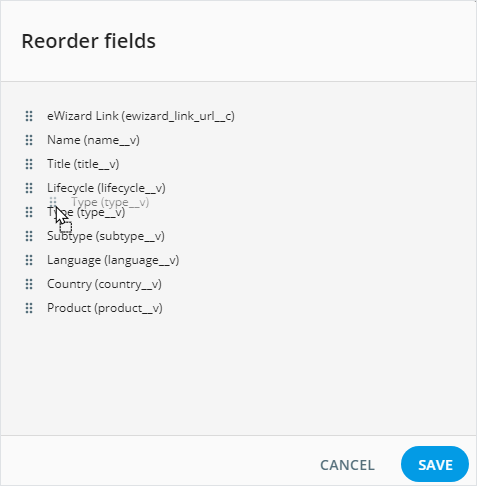
By default, fields appear in the order of their creation date, with the newest fields at the end of the list. However, you can change the field sequence to match your requirements. For this:
Click the
 button on the quick access toolbar.
In the
Reorder fieldspopup that appears, drag the fields to other places in the list.
- Click
SAVEto apply the new field sequence.
Field creation
In the Publish configuration section of Business Admin, you can add as many fields as you need. For this:
Click
 on the quick access toolbar.
In the
Create fieldpopup, select the required type for the field you're creating and configure it with the options available for the given field type.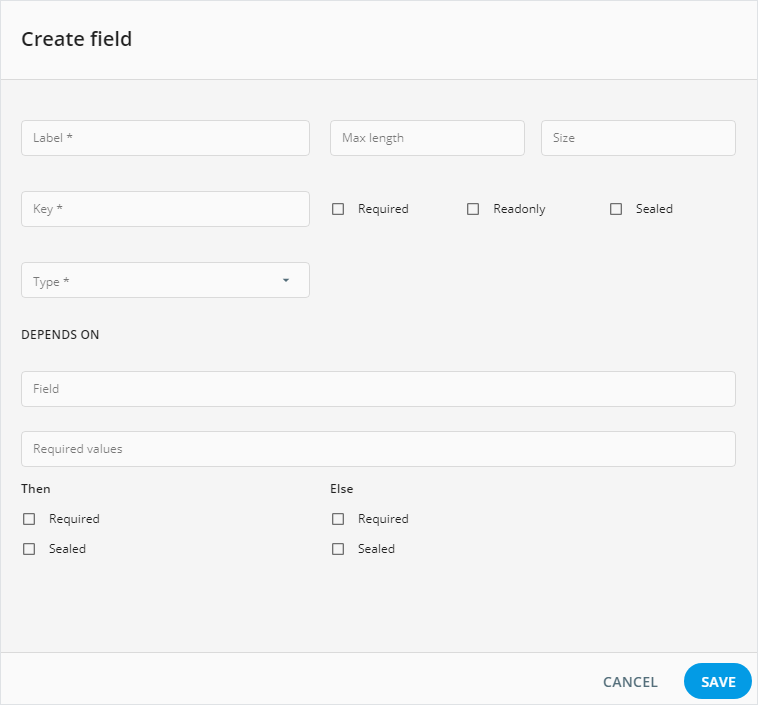
Veeva Vault as interactive
For the Veeva Vault as interactive publish type, you can also configure the field mapping to ensure correct transfer of the eWizard content and metadata to Veeva Vault PromoMats.